Skip to content
Menu
Learning Technologies (Archive)
  • Home
  • Web Resources
    • Blogs
      • How To – Blogs & Websites
    • Websites – School & District
    • MyEd Teacher Resources
    • O365 Resources
    • TEAMS and 365
    • Fast ForWord Intervention
  • Apps / Software
    • Apps Supporting Story
    • Creativation -Digital Story with Green Screen
      • Set Up Your Green Screen Kit
      • How to Create a Video Story
      • Story Examples using Green Screen
    • IPAD EVERYTHING
      • Top “22” Apps for 2022
      • Apps Supporting Story
      • Green Screen – Curiosity Engaged
        • Set Up Your Green Screen
        • How to Create a Video Story
        • Story Examples using Green Screen
        • Creativation – Studio Recordings
    • All The Right Type – ONLINE
    • Audacity
    • Images & Video
    • Inspiration
    • Kidspiration
  • Curricula
    • ADST
      • All The Right Type – ONLINE
      • 3D Design + Printing
      • Coding
        • BeeBots
        • micro:bits
        • Minecraft for Education
        • Spheros
    • All The Right Type – ONLINE
    • Core Competencies
    • Curricular Templates
    • Communicate Learning via Digital Portfolios
    • Digital Literacy
    • Team O365 & Makerspaces Writing
    • Literacy
      • Literature Circles
      • Performance Standards
      • Words Their Way
      • Writing Workshop
        • Assessment Organization
    • Tech Workflows
    • Visual Literacy
    • Project Stories Unfolded
Learning Technologies (Archive)

TEAMS and 365

To view, please log into your 365 account.

Apps or Projects or Goals? Or Snow in April?
Spring is here! We know this from the wacky weather we are having. The buds are growing and colours are popping everywhere and it's a Read more

Shared Conversations and Communities of Practice
It was an energizing Pro-D on February 28th as we came together virtually with colleagues and friends. Ideas shared and processes unpacked throughout many of Read more
How to Archive Your Class Team
 End of Year Procedures - archive your Class Team to maintain access to Files and assignment details so you can use them in future Read more

How to Copy or Move Files Between Teams
Read more
Learning Tools in M365
In this video we will explore the various learning tools available to you through Microsoft 365 applications, including: Immersive Reader Dictate Translator Edge Browser Tools Read more

Teams - What's New (January 2021)
This video reviews some of the new features of Microsoft Teams and good things to know about using your Teams App Read more
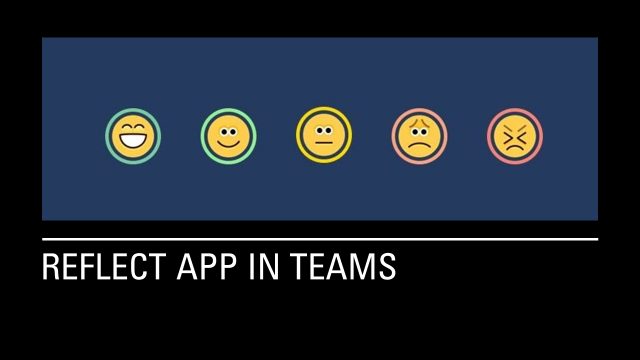
Use Reflect in Teams
You have the ability to check in with your students - ask them how they're doing, how did the find the assignment, how successful were Read more

NEW: Burnaby Learning Community Team

Archive Content

  • MyEd Teacher Resources
  • Websites – School & District
  • Blogs – HOW TO
    • Blog as Story
  • IPAD EVERYTHING
    • Apps Supporting Story
    • Top “22” Apps for 2022
    • Profiles on iPads Explained
    • iPad Workflows
  • Creativation -Digital Story with Green Screen
    • Set Up Your Green Screen Kit
    • How to Create a Video Story
    • Story Examples using Green Screen
    • Creativation – Studio Recordings
  • Assessment Series – Katie White
  • Curricula Templates
  • Digital Citizenship
  • Digital Literacy
  • Innovative Teaching & Learning
  • Tools that Make a Difference

Archives

Contact Our Team

Lucky Saini  (District Vice Principal Educational Technology)

Michelle Mactavish  (Education Technology Support Teacher)

©2026 Learning Technologies (Archive) | WordPress Theme by Superbthemes.com